OPER: Load Statement Audit File

|
|
| Screen ID: | PSTAUD-01 |
| Screen Title: | Process Statement Audit File |
| Accessed by Tool Number | 5217 |
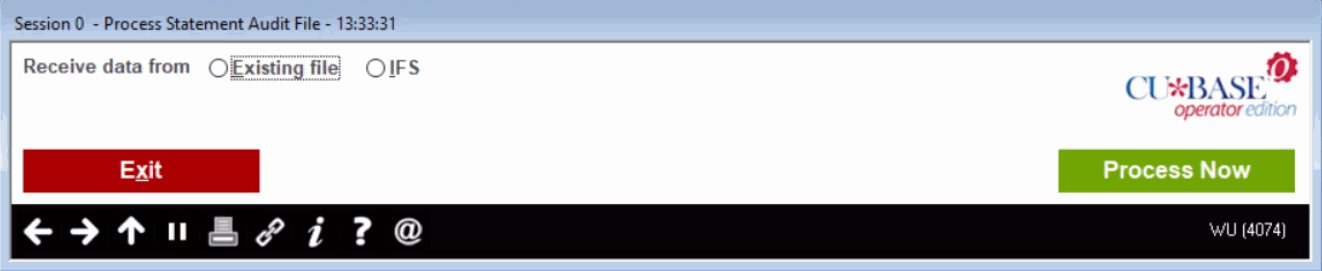
This process is ran when Sage Direct sends us a file with the audit summary information. The file is uploaded so that it can be viewed in CBX. This generally will occur between the 10th and the 15th of the month.
Select the Receive data from options:
-
Select "Existing file" to display the records in a file uploaded via Tool #1375.
-
Select IFS to upload the file from the designated IFS folder.
Then click Process Now. The number of records in the STMAUDALL file are shown on a separate screen.
Field Descriptions
|
Field Name |
Description |
|
Receive data from: Existing file or IFS |
Select ‘Existing file’ if the statement audit file from Sage is already in the STMAUDALL file in OPERATOR. |
|
# of records to process |
Number of records in the STMAUDALL file. |
Buttons
|
Button |
Description |
|
Exit |
Use this to return to the menu. |
|
Process Now |
Displays number of records in the STMAUDALL file. |