OPER: Viewing Network Communities (by User)
|
Click here to magnify |
| Screen ID: | UNETCTL-05 |
| Screen Title: | Network Communities by User |
| Accessed by Tool Number: | 5399 |
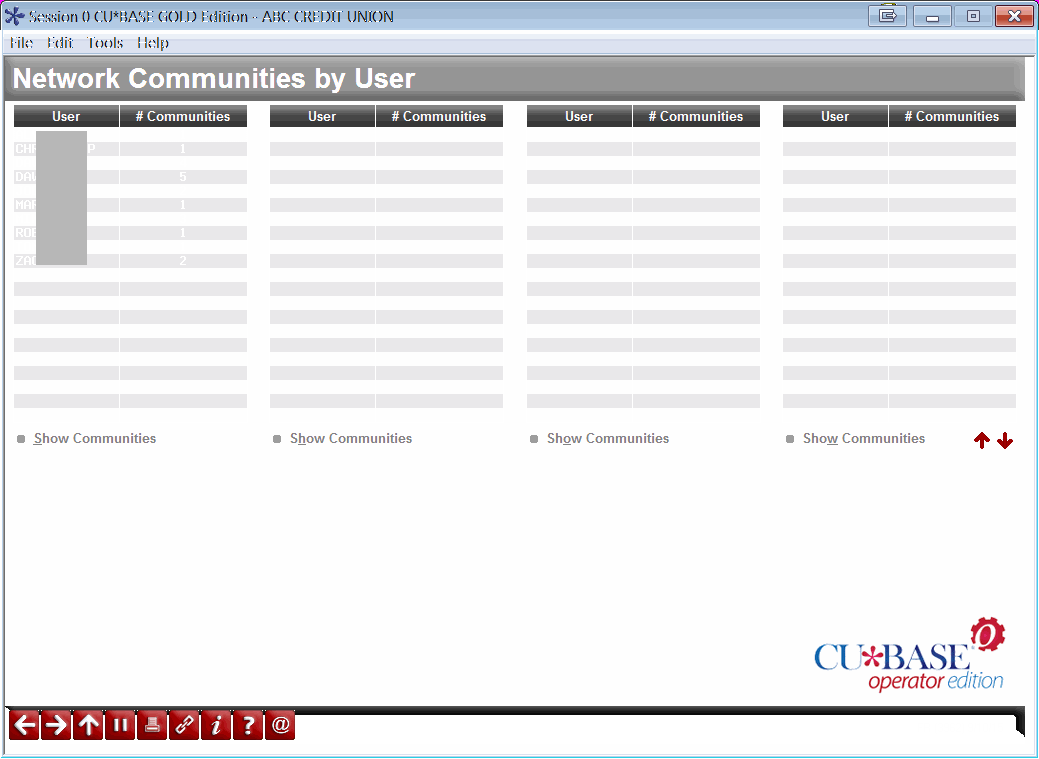
Access this screen by clicking “View by User” on the main Network Communities screen.
This is an inquiry screen that lets you see all CBX users (employees) who have been included in at least one Network Community grouping. Shown is the User ID (the name used to login to CBX), and the number of Network Community groups to which this user has been added. To view which communities, select the name in the list and use Select to proceed to the Network Communities by User screen.