OPER: Custom/Standard Loan Form Config (1)
|
|
| Screen ID: | UQFORM-01 |
| Screen Title: | Loan Form Type Configuration |
| Accessed by Tool Number: | 5423 |
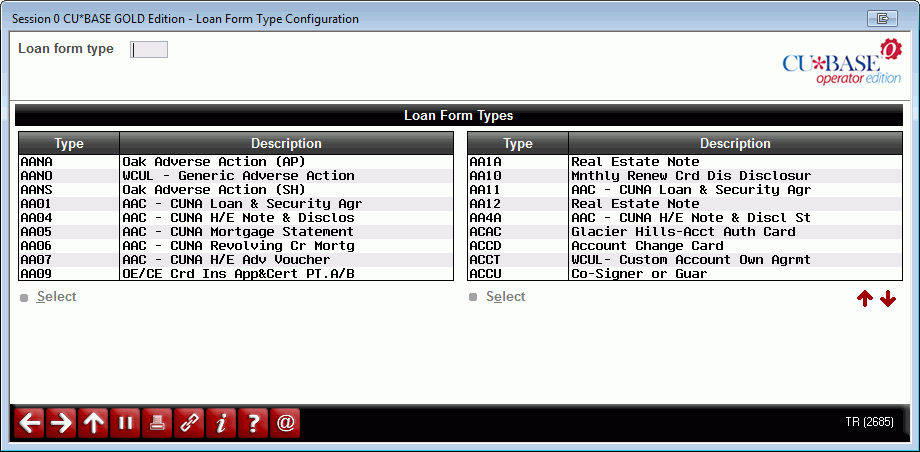
If your credit union uses any custom loan forms that have been programmed to be entered via CBX screens, this feature is used to configure various control settings that are used when the forms are printed.
-
NOTE: These records must be set up by a custom forms programmer or other client service representative familiar with your specific custom form programming.
Enter a form ID or select one in the list and use Enter or Select to proceed to the next screen.
IMPORTANT: Online credit unions are not able to access this screen. If you would like any of these settings to be changed for your credit union, contact a Client Service Representative. self-processing credit unions should also consult a Client Service Representative for advice before making changes to these settings. Remember that some features used in a service bureau environment are not appropriate in the in-house environment.