Credit Bureau Information Dashboard
| Screen ID: |
ICBRHST-01 |
|
| Screen Title: |
Credit Bureau Information Dashboard |
|
| Tool Number: | 658 | |
| Report Name: |
LCBRPT |
|
|
|
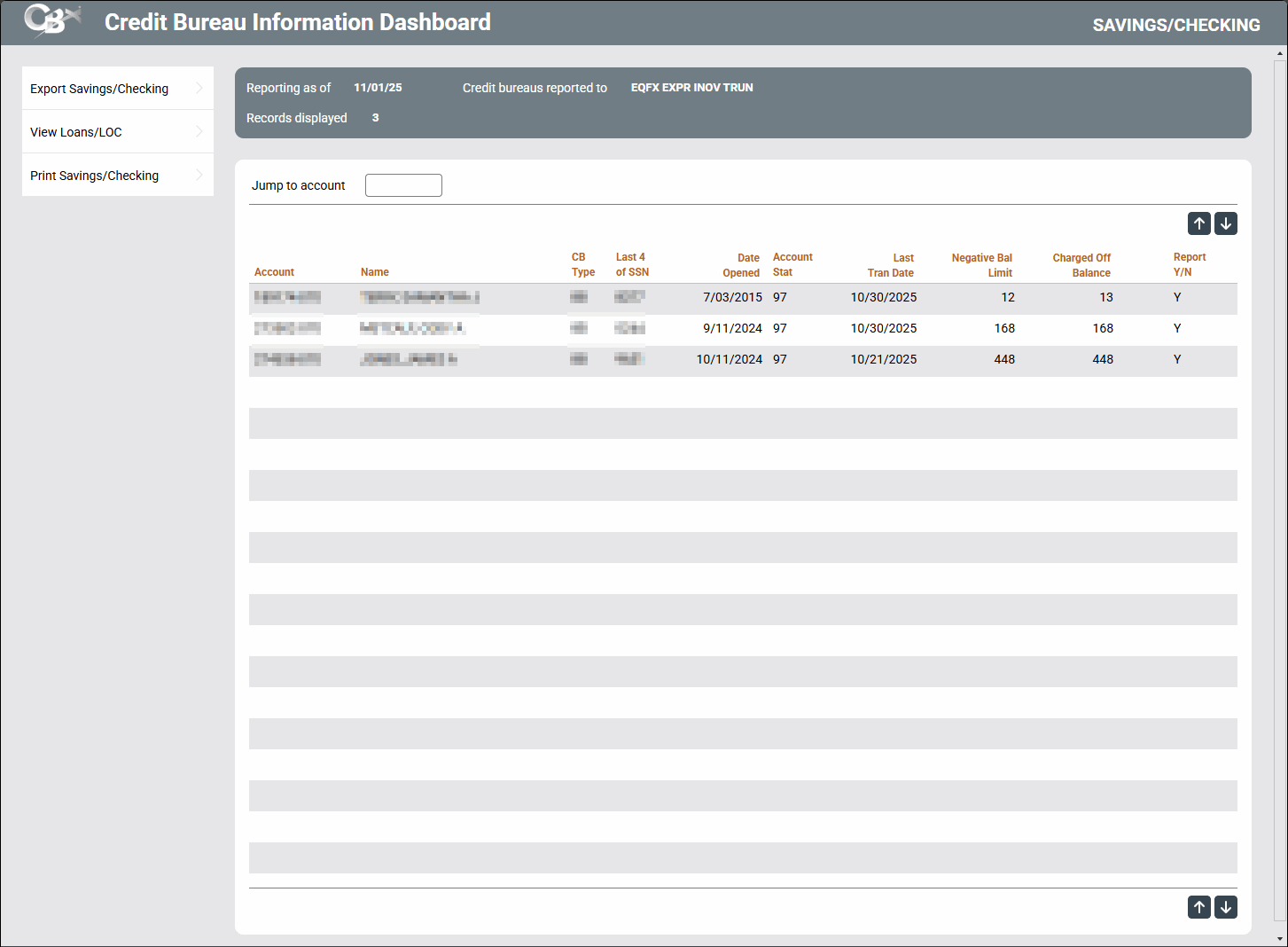
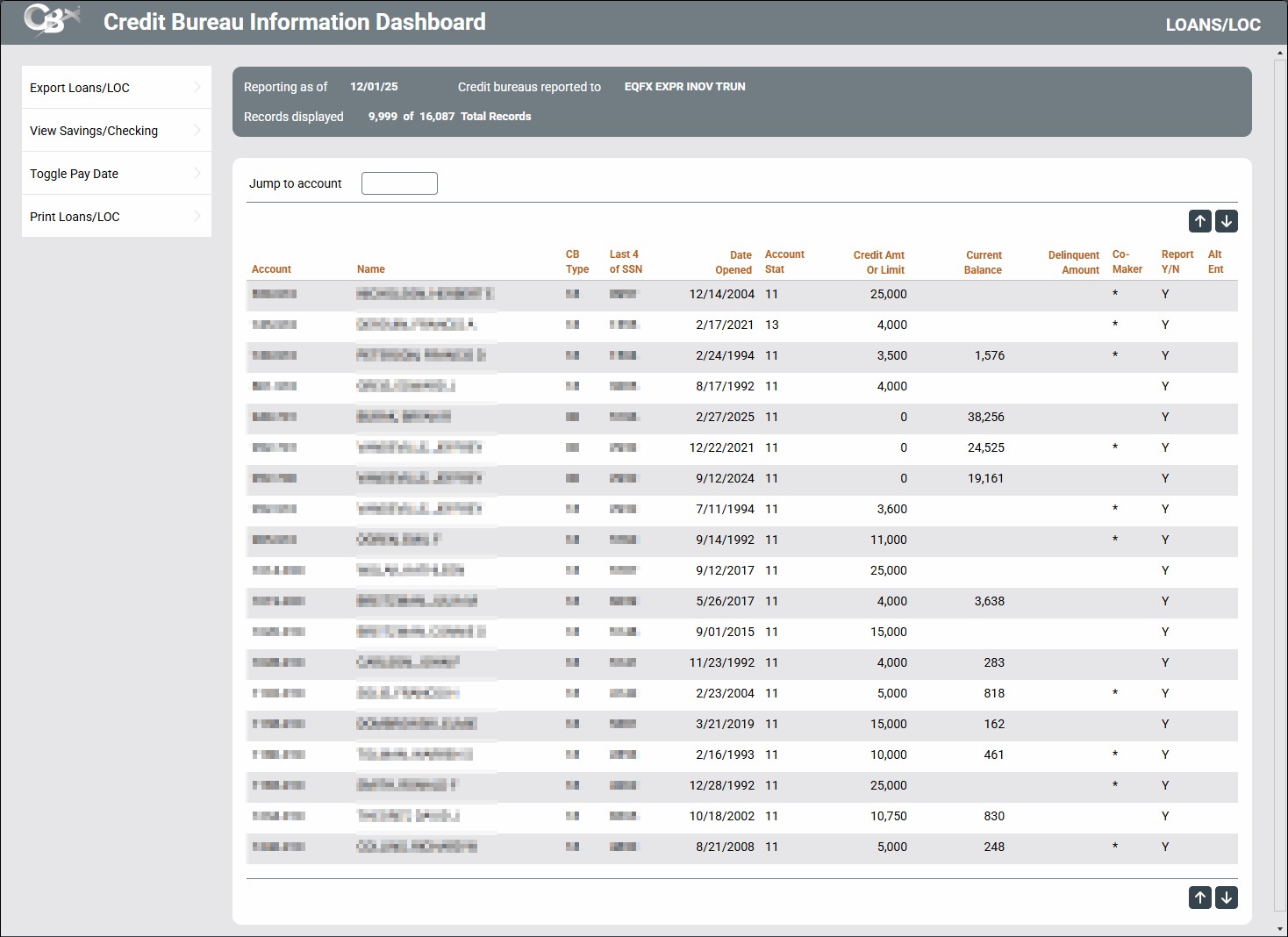
Access this screen by selecting Tool #658 Credit Bureau Reporting Dashboard. It is also accessed via OPER Tool #5031 List Metro 2 File.
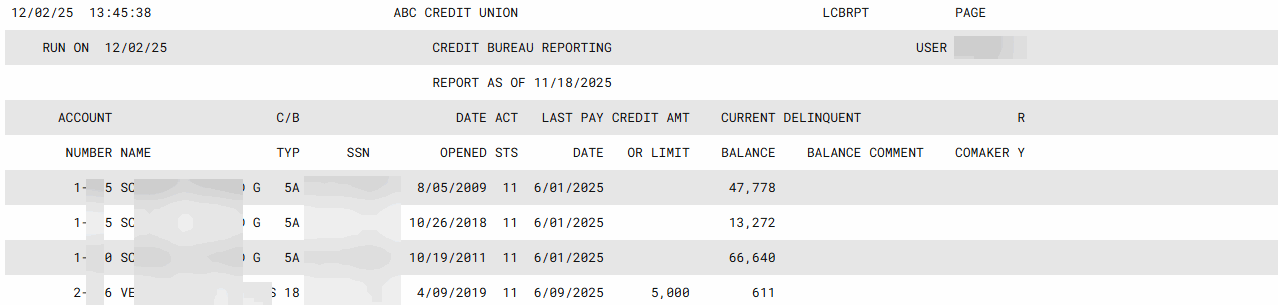
This screen is used to view dashboards and print a report showing savings/checking or loan information that was sent most recently to the credit bureaus on behalf of your credit union.
Upon entry you will see the loan dashboard. Use the toggle to view the checking/savings data. From each dashboard, you can elect to print a report of the data.
-
For example, if your credit union reports to the bureaus every month (as most do), this report will reflect the information that was reported at the beginning of the current month. Credit bureau tapes are generated during the first week of the month for online credit unions.
SEE ALSO: Credit Bureau Reporting History Inquiry
How does the Metro 2 program currently report credit limits to the bureaus?
For savings/checking, refer to this booklet Charge Off Saving/Checking Accounts
Report Samples
Loans
Savings/Checking
