Where Your Members Shop
| Screen ID: | IPUANL-02 | 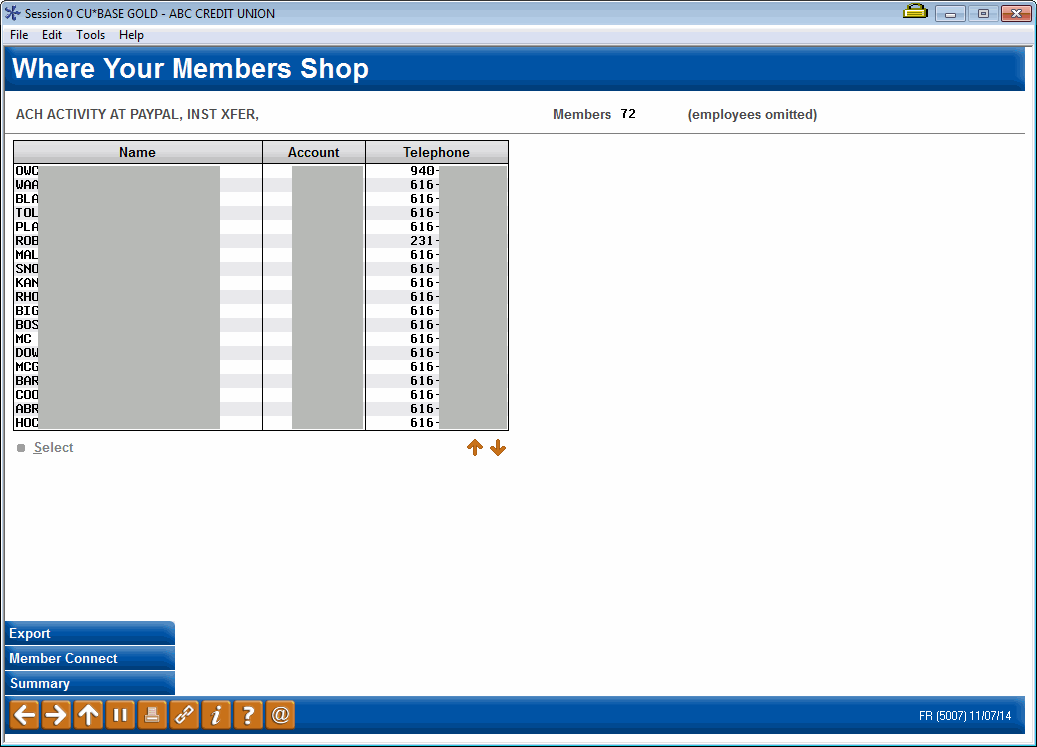
|
| Screen Title: | Where Your Members Shop | |
| Panel ID: | 5007 | |
| Tool Number: | 979 | |
| Data Source: | ETRmmyy1, ETRmmyy2, ETRmmyy3 | |
| Snap Shot: | As of Month End | |
| Click here to magnify |
Access this screen by selecting "See These Members" when the list on the Where Your Members Shop dashboard has less that 100 merchants. View merchants on the previous screen.
-
NOTE: Because this dashboard uses End-of-Month data, activity during the current month will not be included.
-
NOTE: Individuals with an Employee Type code not equal to 0 (i.e. staff, board members, etc.) will be excluded from these results.
SEE ALSO: Knowing Your Members: Relationship Management Tools
Learn about the Where Your Members Shop feature.
This screen lists data on the members who shopped at the filtered merchant list (on the previous screen).
Buttons
|
Buttons |
Description |
|
Export (F9) |
Export to create a database file of member account numbers or of the data for use with report builder. |
|
Member Connect (F10) |
After creating a database file using the Export feature, use Member Connect (F10) to contact those members. |
|
Common Bonds (F12) |
Use this to view to select from one of the Common Bonds analysis tool to run for this group of individuals. |